Starting an online business has become easier with e-commerce platforms like WooCommerce. Whether you want to sell clothing, electronics, beauty products, or digital services, having your own online store gives you the opportunity to reach more customers and grow your business. However, building and managing an online store requires the right technical knowledge and practical skills.
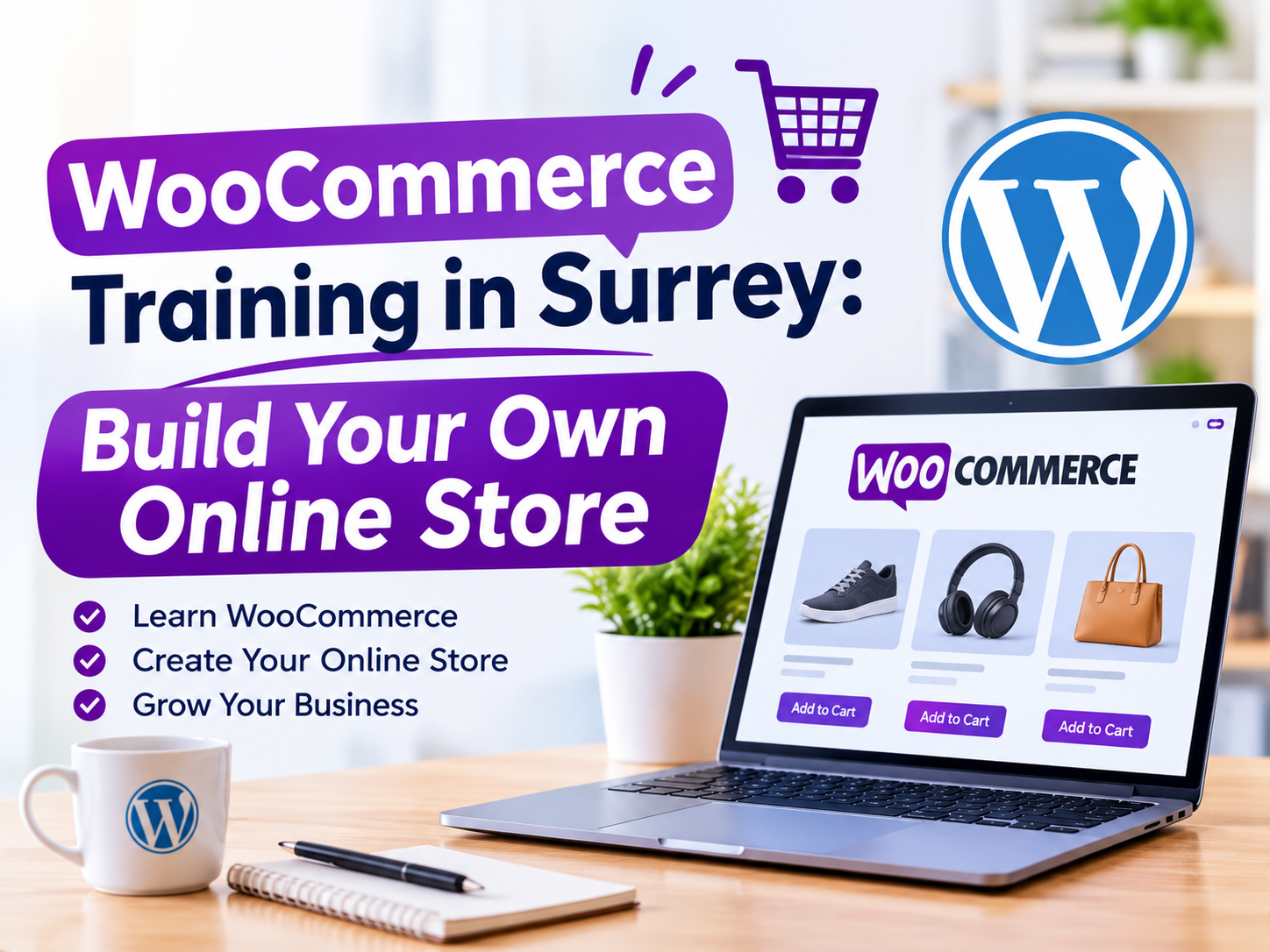
WooCommerce is one of the most popular e-commerce solutions for WordPress websites. With professional WooCommerce Training in Surrey, beginners, business owners, and aspiring web developers can learn how to create, customize, and manage their own online stores.
If you want to develop your e-commerce skills, understanding WooCommerce can be a valuable step towards building a successful online business.
What Is WooCommerce and Why Is It Important?
WooCommerce is a free, open-source e-commerce plugin designed for WordPress. It allows users to transform a regular WordPress website into a fully functional online store. You can add products, manage inventory, accept payments, calculate shipping costs, and handle customer orders from one dashboard.
One of the biggest advantages of WooCommerce is its flexibility. You can customize your store according to your business requirements without needing to build everything from scratch.
It is suitable for small businesses, startups, freelancers, and established companies looking to expand their online presence. Learning how WooCommerce works can help you manage your store independently and make better decisions about your online business.
Why Choose WooCommerce Training in Surrey?
Learning through practical training can make a significant difference when developing technical skills. Instead of simply understanding theoretical concepts, you get the opportunity to work with the platform and explore its features.
WooCommerce Training in Surrey can help you understand the complete process of creating an online store, from installing WordPress to managing customer orders.
During training, you can learn important skills such as:
- Installing and configuring WooCommerce.
- Setting up an online store and selecting suitable themes.
- Adding products, categories, images, and descriptions.
- Configuring payment methods and shipping options.
- Managing inventory and customer orders.
- Customizing store layouts and website functionality.
- Understanding basic website security and maintenance.
These skills can help you build an online store that matches your business goals while giving you more control over its daily operations.
Learn Website Development for E-Commerce
A successful online store needs more than attractive product images. It should also have proper functionality, easy navigation, fast loading speed, and a user-friendly structure.
Understanding Website Development helps you learn how different elements of an e-commerce website work together. You can explore WordPress settings, WooCommerce features, plugins, website structure, and basic customization techniques.
With practical knowledge, you can create product pages, organize categories, configure shopping carts, and improve the overall shopping experience.
Learning these skills is especially useful for individuals who want to become web developers or offer e-commerce website services to clients.
Understand the Importance of Website Design
Website appearance plays an important role in attracting visitors and encouraging them to explore your products. A confusing or outdated online store may cause potential customers to leave without making a purchase.
A good website design company focuses on creating an attractive, responsive, and easy-to-use shopping experience. Customers should be able to find products, understand pricing, add items to their carts, and complete purchases without unnecessary complications.
During WooCommerce learning, you can explore different WordPress themes, customize layouts, adjust colours and typography, and organize product information effectively.
A well-designed online store should also work smoothly on smartphones, tablets, and desktop computers. Responsive design helps customers browse and shop comfortably from different devices.
How a Professional Website Designer in Surrey Can Help
While learning to build an online store is useful, professional guidance can help you understand website design principles and avoid common development mistakes.
A Professional Website Designer in Surrey understands how to create websites that reflect a business’s identity while providing a smooth user experience. From choosing suitable layouts to organizing product pages, professional design knowledge can help you create an online store that looks trustworthy and functions properly.
For example, a good e-commerce website should include:
- A clear homepage that introduces your business.
- Well-organized product categories.
- High-quality product images and descriptions.
- Simple navigation and shopping cart functionality.
- Secure and convenient checkout options.
- Contact information and essential business pages.
Learning these design principles during WooCommerce training can help you create a store that meets customer expectations.
Essential WooCommerce Skills You Should Learn
To manage an online store successfully, you need to understand more than product uploading. WooCommerce offers several features that help businesses handle their daily e-commerce activities.
Here are some important areas to explore:
- Product Management
Learn how to add simple and variable products, set prices, upload images, write descriptions, and organize products into categories. You should also understand how to manage stock availability.
- Payment Gateway Configuration
Customers need convenient payment options when shopping online. Learn how to configure suitable payment gateways and understand the importance of secure transactions.
- Shipping and Tax Settings
WooCommerce allows store owners to configure shipping zones, delivery methods, and tax options according to their business requirements. Understanding these settings helps you manage orders more efficiently.
- Store Customization
Explore themes, plugins, and customization options to create an online store that matches your brand. You can also learn how to improve product layouts and shopping cart pages.
- Website Maintenance
Regular updates, backups, security checks, and performance monitoring are essential for keeping an online store running smoothly.
Build Practical Experience with Your Own Online Store
The best way to understand WooCommerce is by creating a store yourself. Start with a small project and gradually explore different features.
For example, you can create a demo store for clothing, accessories, electronics, or handmade products. Add sample products, configure shipping, test payment options, and customize the homepage.
Working on a real project helps you understand how different website components connect with each other. It also gives you practical experience that can be useful when developing websites for clients or starting your own e-commerce business.
If you are interested in expanding your technical knowledge, learning Website Development alongside WooCommerce can also introduce you to WordPress, HTML, CSS, and other useful web technologies.