Building a website has become an important part of starting and growing a business. However, creating and managing a website can feel difficult if you have never worked with web development tools before. This is where WordPress Training can help.
WordPress is one of the most widely used platforms for creating websites because it offers a user-friendly interface and many tools for managing website content. With the right training, beginners can learn how to create pages, publish content, manage images, customize website layouts, and maintain a professional online presence without needing advanced coding knowledge.
What Is WordPress Training?
WordPress Training is a structured learning program designed to teach individuals how to use WordPress to create, manage, and maintain websites.
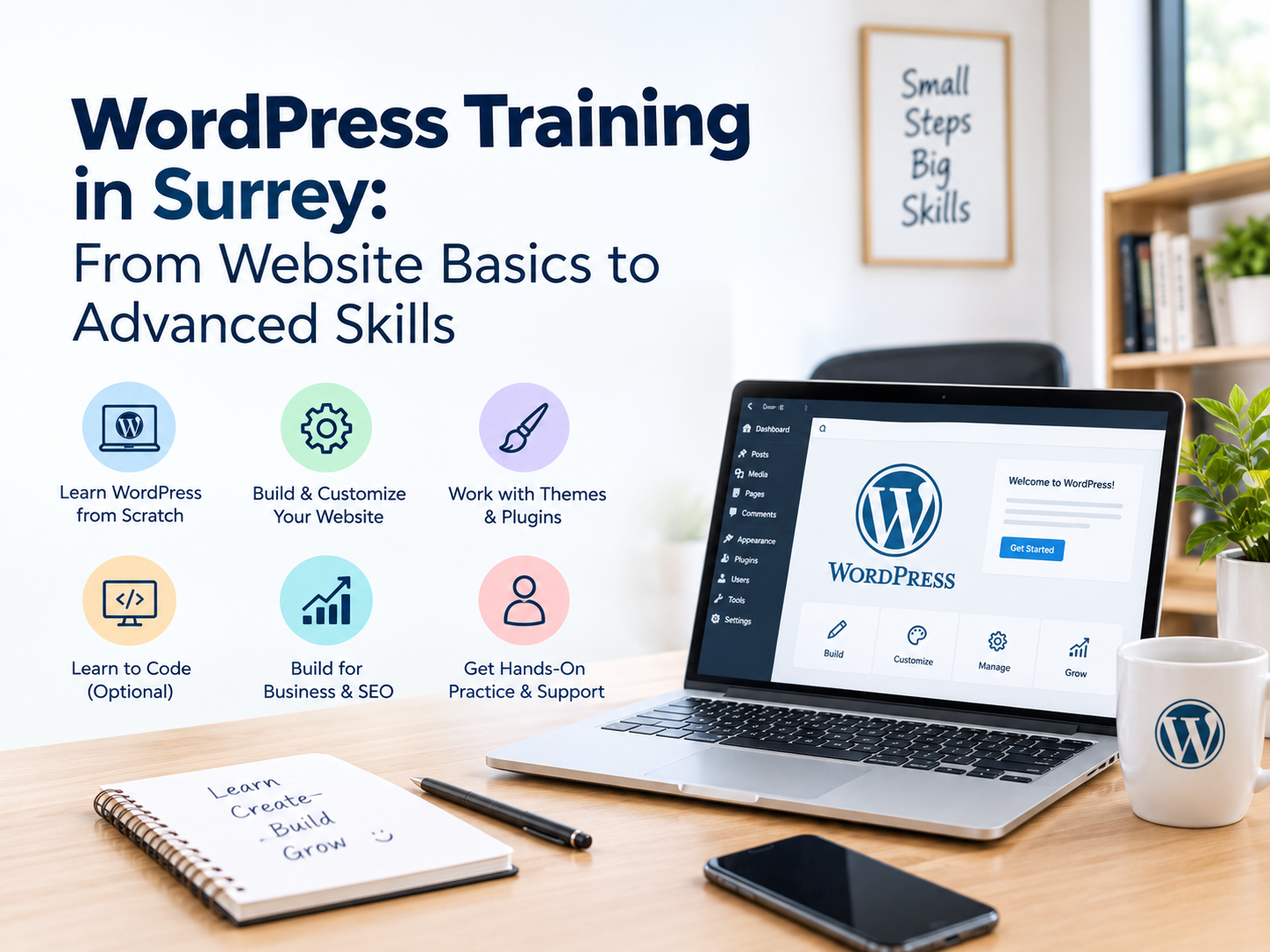
A beginner-level training program usually covers the basics of the WordPress dashboard, website pages, posts, menus, media, themes, plugins, and website settings. As learners become more comfortable, they can move on to more advanced topics such as website customization, SEO, security, performance, and troubleshooting.
Instead of learning everything through trial and error, training provides a clear path that helps beginners understand how different WordPress features work together.
Why Is WordPress Training Important for Beginners?
Starting with WordPress may look simple, but beginners can quickly face challenges when they need to customize a website or solve a problem. Professional training helps learners develop practical skills and confidence.
Here are some important benefits.
1. Learn the WordPress Basics
The first step in learning WordPress is understanding its dashboard and basic functions. Training introduces beginners to important areas such as pages, posts, media, menus, themes, and settings.
Once these fundamentals are clear, learners can manage website content more confidently and make updates without depending on someone else for every small change.
2. Build Websites More Confidently
WordPress allows users to create different types of websites, including business websites, blogs, portfolios, educational websites, and online stores.
Through practical training, beginners can understand how website pages are structured and how different elements work together. This knowledge can also support people interested in Website Development in Surrey BC and other web-related career opportunities.
3. Understand Themes and Plugins
Themes control the overall appearance of a WordPress website, while plugins add additional functionality.
For example, a website may use plugins for contact forms, SEO, security, backups, analytics, or e-commerce features. However, installing too many plugins or choosing unsuitable ones can create performance and compatibility problems.
WordPress training helps beginners understand how to select, install, configure, and manage these tools properly.
4. Learn Website Content Management
A website needs regular content updates to remain useful and relevant. WordPress makes it possible to add and edit text, images, videos, blog posts, and other content.
Training teaches beginners how to format content, organize pages, add images, create menus, and publish updates correctly. These skills are particularly useful for business owners who want to manage their own website content.
5. Develop Basic SEO Knowledge
Creating a website is only one part of building an online presence. People also need to be able to find it through search engines.
A good WordPress training program can introduce beginners to basic SEO practices such as optimizing page titles, headings, URLs, images, and content. Learners can also understand the importance of mobile-friendly design, website speed, internal linking, and useful content.
These basic skills can help create a stronger foundation for long-term website growth.
What Can Beginners Learn Through WordPress Training?
A structured WordPress course can cover a wide range of practical topics, including:
- Understanding the WordPress dashboard
- Creating and editing website pages
- Publishing and managing blog posts
- Uploading and optimizing images
- Creating navigation menus
- Working with WordPress themes
- Installing and managing plugins
- Customizing website layouts
- Creating contact forms
- Understanding basic website SEO
- Managing users and website settings
- Performing basic website maintenance
- Understanding backups and website security
- Troubleshooting common WordPress issues
The exact topics may vary depending on the training program and the learner’s goals.
WordPress Training vs Learning on Your Own
Many beginners start learning WordPress through online videos, articles, and tutorials. Self-learning can be useful, but it can also become confusing because information is spread across different sources.
Professional WordPress Training provides a more organized learning experience. Instead of searching for solutions every time a problem occurs, learners can follow a structured curriculum and practice each concept step by step.
Training can also be useful for people who want to ask questions, understand practical examples, and learn common mistakes before working on real websites.
How WordPress Skills Can Support a Career
WordPress knowledge can be useful for people interested in website design, digital marketing, content management, and web development.
For example, someone learning WordPress can develop skills that complement SEO and content marketing. A person interested in becoming a Professional website designer can also use WordPress knowledge to understand website structure, layouts, navigation, and user experience.
WordPress skills can therefore be useful for freelancers, business owners, marketing professionals, students, and individuals looking to expand their digital skills.
Choosing the Right WordPress Training
Not every training program is designed in the same way. Beginners should look for training that focuses on practical learning rather than only theoretical information.
A useful program should cover the WordPress dashboard, themes, plugins, content management, basic SEO, website customization, and maintenance. Hands-on practice is also important because learners can understand concepts more effectively by working on an actual website.
For learners looking for structured training options, WordPress Training in Surrey can provide a convenient way to develop practical website management and development skills.
You can explore the available training solutions from Programming Expertz to learn more about their website and digital training offerings: Training Solutions.
If your goal is to understand website design and development more broadly, you can also explore the Website Solutions offered by Programming Expertz.
Conclusion
WordPress is a practical platform for beginners who want to learn how websites are created and managed. However, understanding the platform properly can make the learning process much easier.
WordPress Training gives beginners the opportunity to learn essential website management skills, understand themes and plugins, work with content, develop basic SEO knowledge, and gain confidence in managing websites.
Whether you are a student, business owner, freelancer, marketer, or someone interested in website design, learning WordPress can be a valuable addition to your digital skills. With practical training and regular practice, beginners can build a strong foundation for managing websites and exploring further opportunities in website development.
Frequently Asked Questions
Q1. What is WordPress Training?
WordPress Training is a structured learning program that teaches beginners how to create, manage, customize, and maintain websites using WordPress.
Q2. Is WordPress easy to learn for beginners?
Yes. WordPress is designed to be user-friendly, and beginners can learn the basics without advanced coding knowledge. Structured training can make the learning process easier and more organized.
Q3. What can I learn in WordPress Training?
You can learn how to manage pages and posts, use themes and plugins, upload media, customize websites, manage menus, understand basic SEO, and perform basic website maintenance.
Q4. Do I need coding knowledge to learn WordPress?
No. Basic WordPress tasks can be completed without coding knowledge. However, learning some HTML, CSS, or other web development concepts can be useful as you progress.
Q5. Can WordPress skills help with website development?
Yes. WordPress provides a useful foundation for understanding website structure, content management, design, plugins, and website functionality. These skills can complement broader Website Development in Surrey BC and web design knowledge.
Q6. Where can I learn WordPress Training in Surrey?
You can explore WordPress Training in Surrey through structured training programs such as the training solutions provided by Programming Expertz. The training can help beginners develop practical WordPress and website-related skills.